%20(1).png)

Why Your Business Needs an AV Management Virtual Assistant

Managing audio-visual (AV) equipment and technology can be a complex and time-consuming task for many businesses. From setting up meetings and presentations to maintaining equipment and troubleshooting issues, AV management requires attention to detail and technical know-how. Hiring an AV management virtual assistant can transform how your business handles these responsibilities, saving time, reducing stress, and improving overall efficiency.
Key Takeways
AV Management Virtual Assistants Are Essential
Time and Cost Savings
Enhanced Meeting and Event Quality
Support for Remote and Hybrid Work
Choosing the Right Assistant Matters
Structured Onboarding Is Key
What an AV Management Virtual Assistant Does

An AV management virtual assistant specializes in handling the technical and logistical aspects of audio-visual systems remotely. Their tasks often include:
Scheduling and coordinating AV setups for meetings, webinars, and events
Monitoring and maintaining AV equipment to prevent malfunctions
Troubleshooting technical problems quickly to minimize downtime
Managing software updates and licenses for AV tools
AV management virtual assistants often work with tools like Zoom, Microsoft Teams, and Webex for virtual meetings, as well as advanced AV control systems like Crestron or Extron. They ensure these tools are updated and functioning seamlessly to avoid disruptions.
Training staff on AV equipment use and best practices
By taking over these duties, the virtual assistant allows your team to focus on core business activities without worrying about AV hiccups.
How an AV Management Virtual Assistant Saves Time and Money
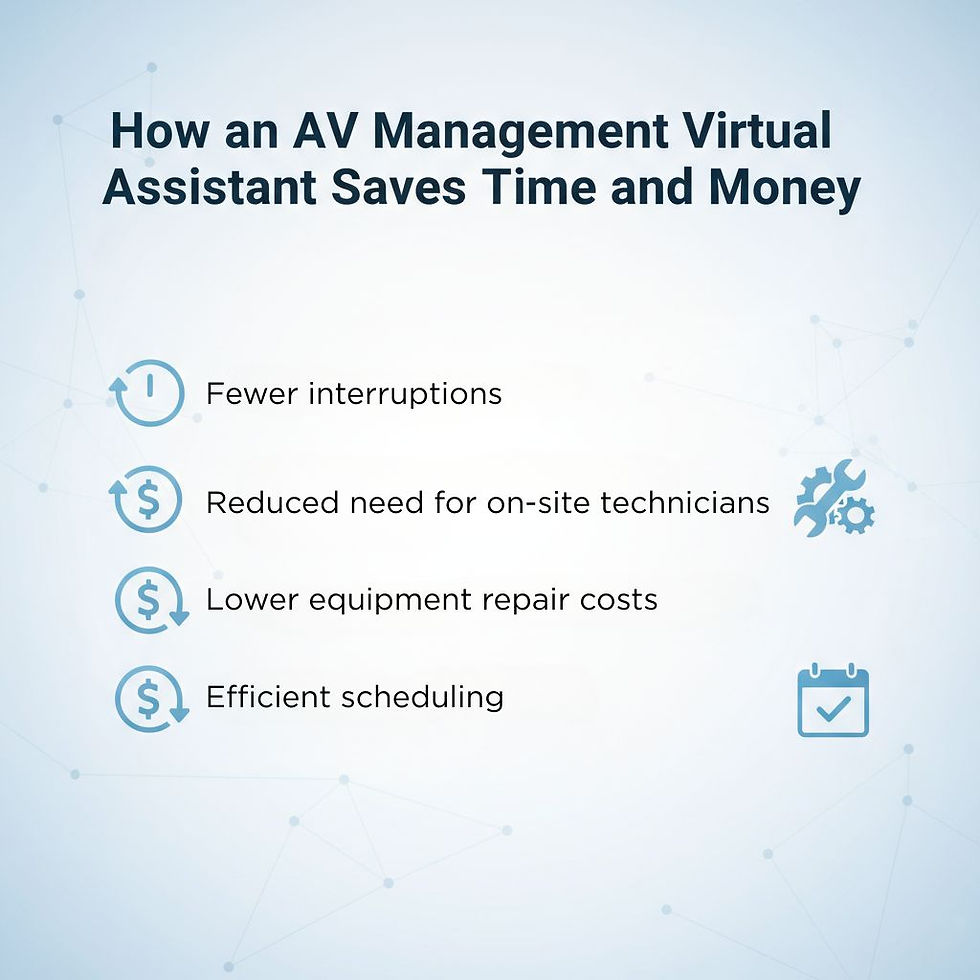
AV issues can cause delays and disrupt important meetings or presentations. When your team spends time fixing these problems, productivity drops. An AV management virtual assistant handles these tasks proactively, which means:
Fewer interruptions: They ensure equipment is ready and functioning before events start.
Reduced need for on-site technicians: Remote support cuts costs associated with in-person visits.
Lower equipment repair costs: Regular maintenance helps avoid expensive breakdowns.
Efficient scheduling: Coordinating AV needs ahead of time prevents last-minute chaos.
According to AVSI LLC, 47% of companies report a significant drop in travel expenses by leveraging secure telecommunication and AV solutions. This highlights how effective AV management can directly contribute to cost savings and operational efficiency.
For example, a mid-sized marketing firm reported saving over 10 hours a week after hiring a virtual assistant to manage their AV systems. This freed up their staff to focus on client projects and strategy.
Improving Meeting and Event Quality
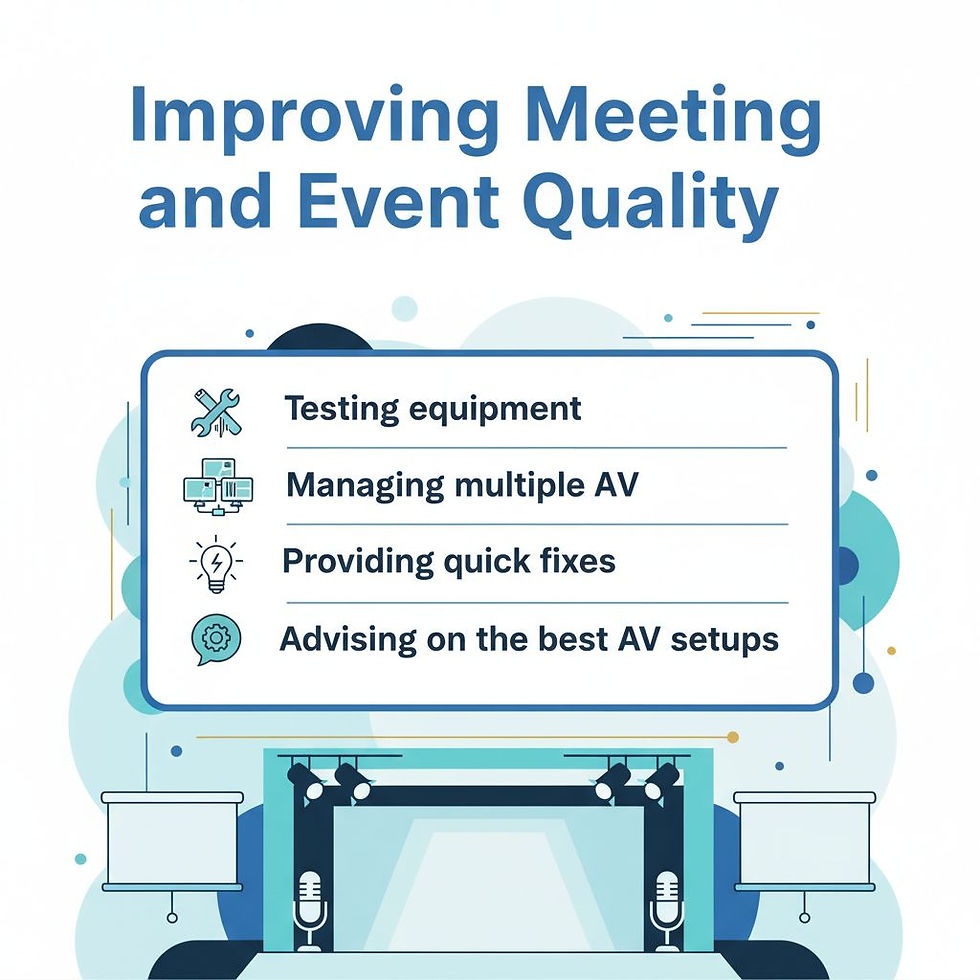
The quality of your meetings and events reflects your business professionalism. Poor audio or video can distract attendees and damage your reputation. An AV management virtual assistant helps by:
Testing equipment before meetings to ensure clear sound and visuals
Managing multiple AV devices seamlessly during events
Providing quick fixes if technical issues arise mid-session
For instance, they can quickly resolve audio feedback by adjusting microphone placement or settings, improve video quality by optimizing bandwidth usage, and prevent equipment malfunctions by ensuring firmware is up to date.
Advising on the best AV setups for different types of meetings or presentations
This support leads to smoother, more engaging meetings that leave a positive impression on clients and partners.
Supporting Remote and Hybrid Work Environments

With many businesses adopting remote or hybrid work models, AV technology has become even more critical. Virtual meetings rely heavily on reliable audio and video systems. An AV management virtual assistant can:
Assist remote employees with AV setup and troubleshooting
Using remote access tools like TeamViewer or AnyDesk, AV management virtual assistants can troubleshoot and monitor AV systems in real-time, ensuring minimal downtime for remote employees.
Manage virtual meeting platforms and integrations
Ensure consistent AV quality across different locations
Help implement new AV tools to improve remote collaboration
A 2022 survey by PricewaterhouseCoopers revealed that 37% of HR leaders have implemented automated management technologies, including AV systems, to enhance productivity and streamline operations. This underscores the critical role AV management plays in supporting remote and hybrid work environments.
This support helps maintain productivity and communication regardless of where your team members work.
Choosing the Right AV Management Virtual Assistant

Not all virtual assistants have the technical skills needed for AV management. Look for virtual assistants familiar with emerging trends like AI-powered AV systems, which can automate tasks like camera tracking, or cloud-based AV management platforms that enable seamless collaboration across locations. When selecting one, consider:
Experience with the specific AV equipment and software your business uses
Ability to provide remote support and quick response times
Strong communication skills to guide non-technical staff
Flexibility to handle both routine maintenance and urgent issues
You might also look for assistants who can offer additional services like event coordination or IT support to add more value.
Getting Started with an AV Management Virtual Assistant
To integrate an AV management virtual assistant into your business:
Assess your AV needs: Identify common issues, equipment types, and event frequency.
Define tasks and expectations: Clarify what responsibilities the assistant will handle.
Set up communication channels: Use tools like email, chat, or video calls for easy contact.
Provide access to systems: Ensure the assistant can remotely access AV equipment and software.
Monitor performance: Regularly review how the assistant improves AV operations and adjust as needed.
Track metrics like uptime percentage, mean time to resolution (MTTR) for AV issues, and user satisfaction scores to evaluate the effectiveness of your AV management virtual assistant.
Starting with a trial period can help you evaluate the fit before committing long-term.
Frequently Asked Questions
What is an AV management virtual assistant, and what do they do?
An AV management virtual assistant specializes in handling the technical and logistical aspects of audio-visual systems remotely. They manage tasks like scheduling AV setups, troubleshooting technical issues, maintaining equipment, and training staff on AV tools, ensuring your meetings and events run smoothly.
How can an AV management virtual assistant save my business time and money?
By proactively managing AV systems, virtual assistants reduce interruptions, minimize downtime, and prevent costly equipment repairs through regular maintenance. They also eliminate the need for on-site technicians, saving you money on in-person support.
Can an AV management virtual assistant support remote and hybrid teams?
Yes! AV management virtual assistants are ideal for remote and hybrid work environments. They assist with virtual meeting platforms, troubleshoot AV issues for remote employees, and ensure consistent audio and video quality across different locations.
What qualifications should I look for in an AV management virtual assistant?
Look for virtual assistants with experience in AV equipment and software, strong troubleshooting skills, and the ability to provide remote support. Certifications like CTS (Certified Technology Specialist) or experience with platforms like Zoom, Microsoft Teams, and Crestron are a plus.
How do I get started with hiring an AV management virtual assistant?
Start by assessing your AV needs, such as common issues, equipment types, and event frequency. Define the tasks and expectations for the assistant, set up communication channels, and provide access to your AV systems. A trial period can help you evaluate their fit before committing long-term.
Free Resources
Tools, templates, and SOPs to help you offload operations and scale smarter.

Hire Your First
VA Guide
You know you need help, but hiring your first VA feels like one more big decision on your plate. This free guide walks you through it so you can bring on support with confidence and clarity.

Best Practices for Creating an SOP
When tasks live in your head, your team stays stuck waiting on you. This guide walks you through how to document clear processes so work runs smoothly without constant input.


